


Network installation
Plan the rack, pathways, devices and handoff around how your site operates.
Structured cabling, fiber, and Wi-Fi for commercial spaces.
Request a QuotePlan the rack, pathways, devices and handoff around how your site operates.
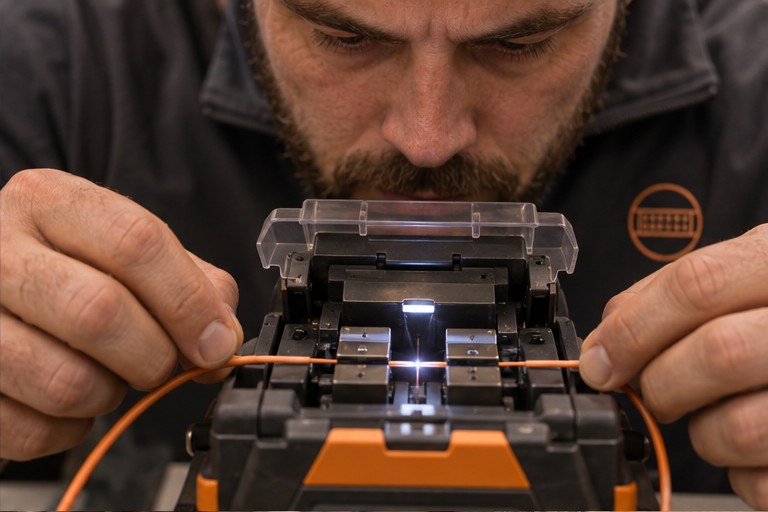

Plan fiber routes, termination points and the test results your IT team needs.


Coordinate phone and data drops around desks, shared areas and business equipment.
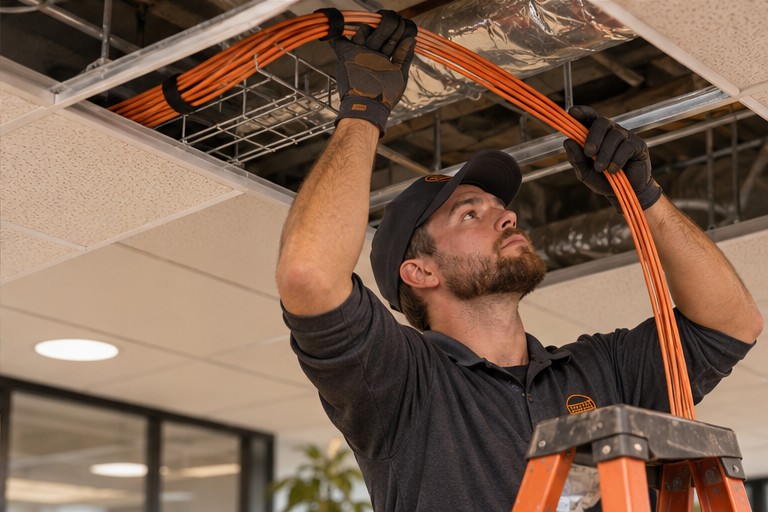

Plan pathways, device locations and access before walls or ceilings are closed.
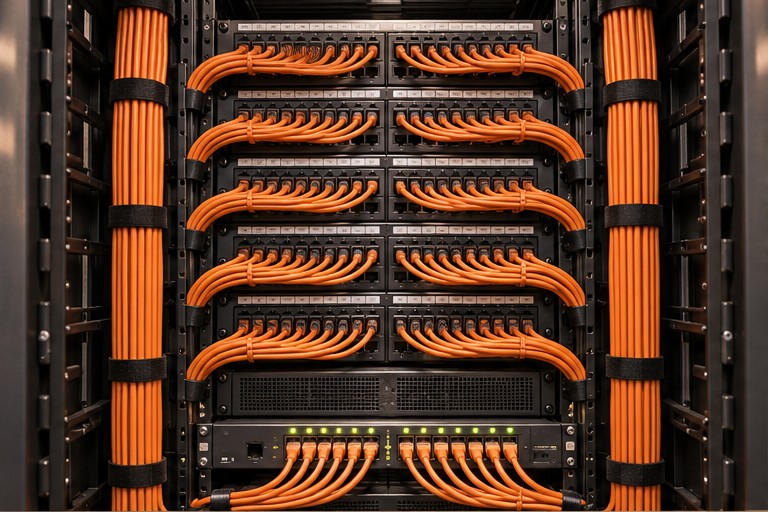

Organize cable pathways, patch panels and labels so connections are easy to trace.


Map outlets, confirm cable runs and document the test results for each drop.


Plan access point placement around coverage needs, site layout and mounting options.
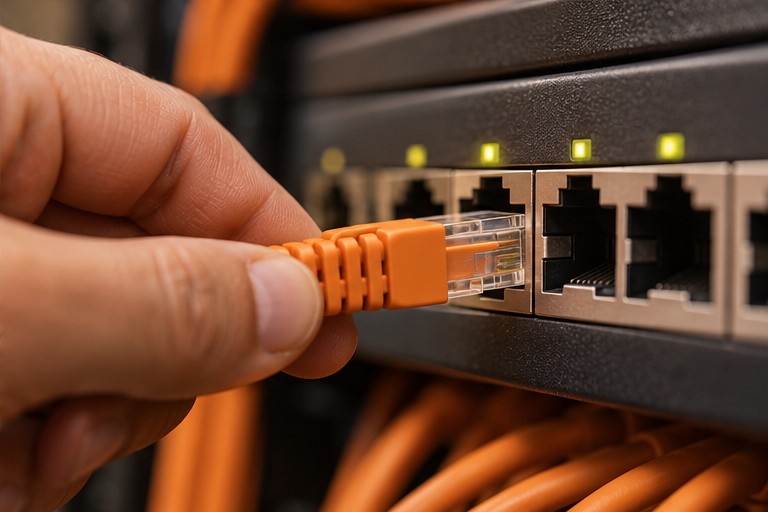

Connect workstations, devices and switches with labeled Ethernet runs.
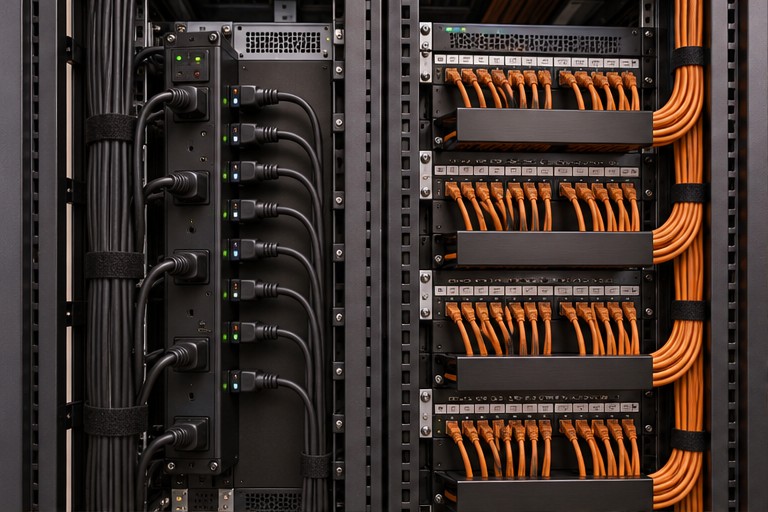

Prepare racks, trace existing links and organize data runs for easier maintenance.


Coordinate displays, cameras, controls and their network connections.
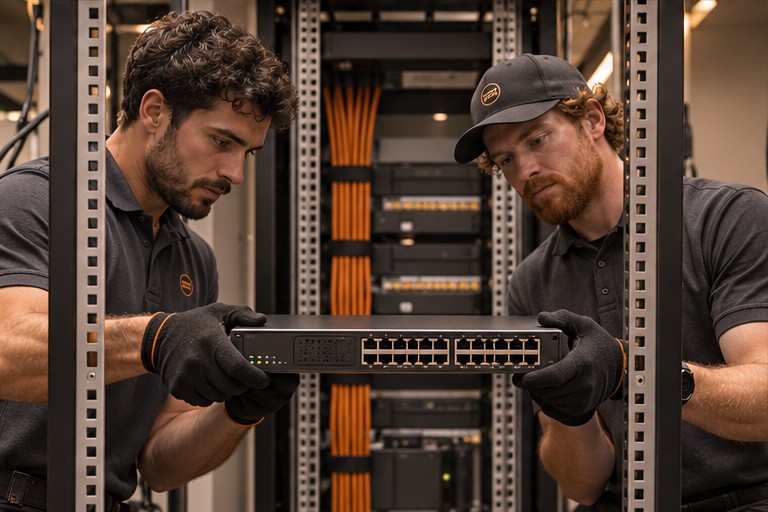
Coordinate rack space, switch placement and installation windows for your hardware.
Explore what goes into planning the route, equipment and coverage.
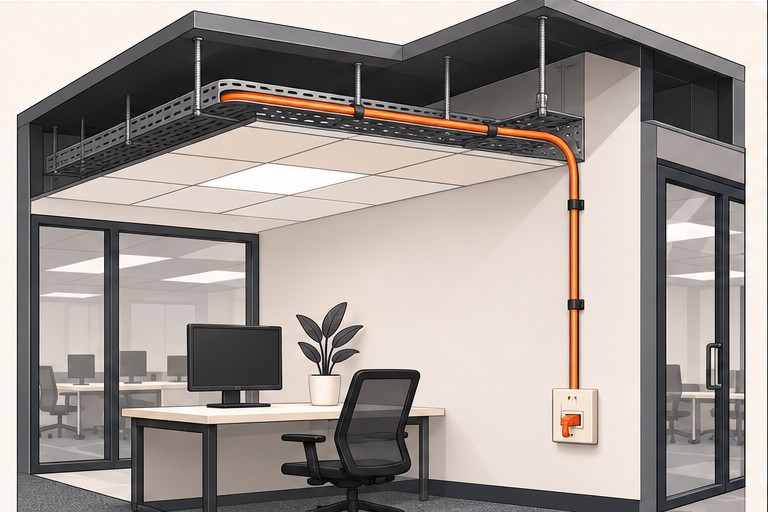
Trace a cable from the ceiling tray to a wall outlet. The site walk identifies obstructions and access points.
Explore cable pathways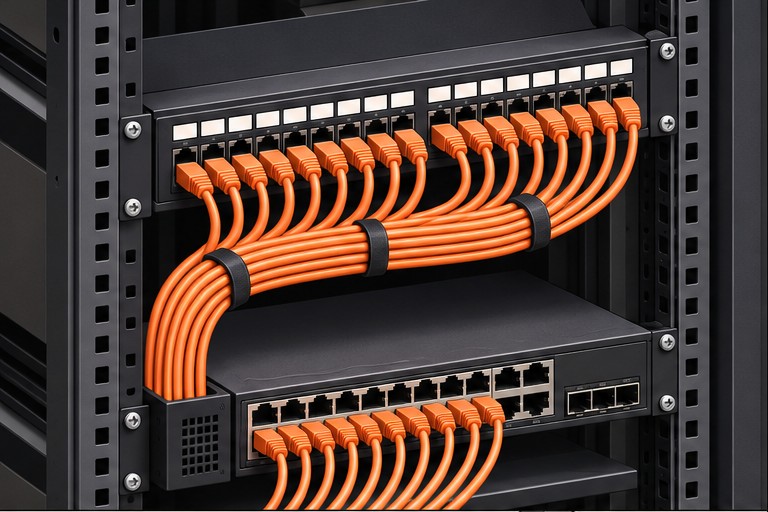
Follow a labeled patch-panel port to a switch. Use the same labels in the handoff records so technicians can trace the link later.
Explore rack connections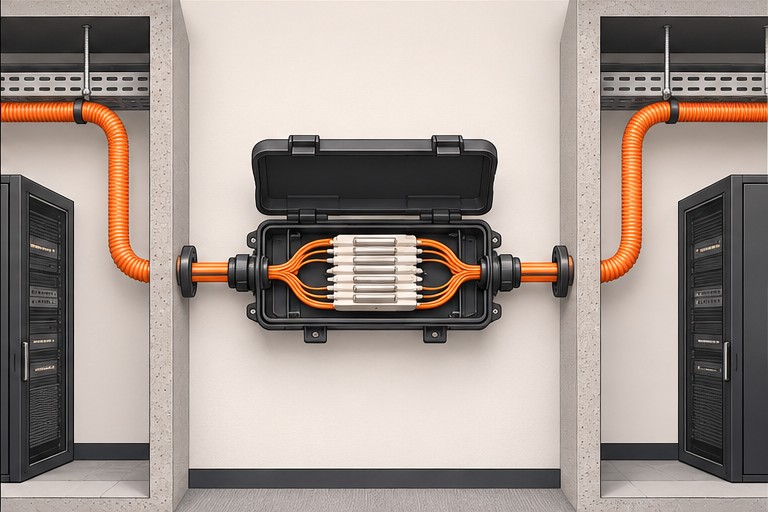
Identify both endpoints and the splice enclosure. Agree on how optical loss will be measured and recorded.
Explore fiber links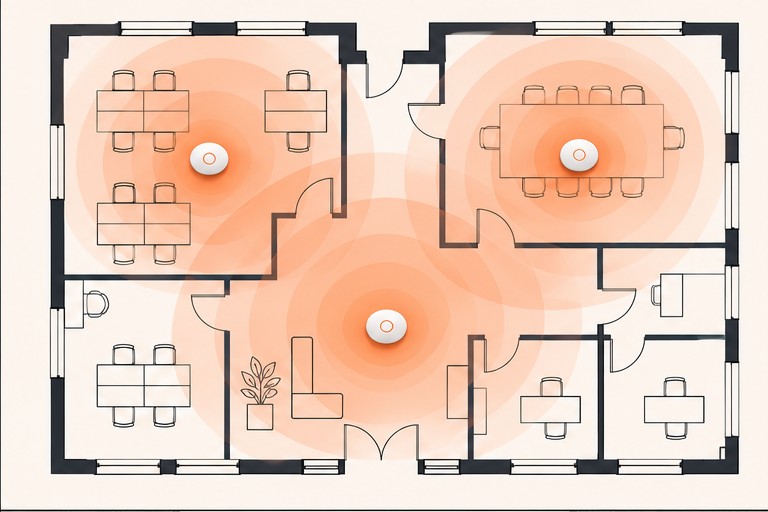
Plan access point locations around racks, rooms and roaming paths. Check coverage in the parts of the site where people need it.
Explore wi-fi coverage

Coordinate work around tenant access, shared pathways and equipment rooms.


Plan desk connections and network cutovers around occupied workspaces.

Account for rack aisles, lift access and Wi-Fi coverage where scanners are used.


Coordinate installation around production schedules and equipment access.
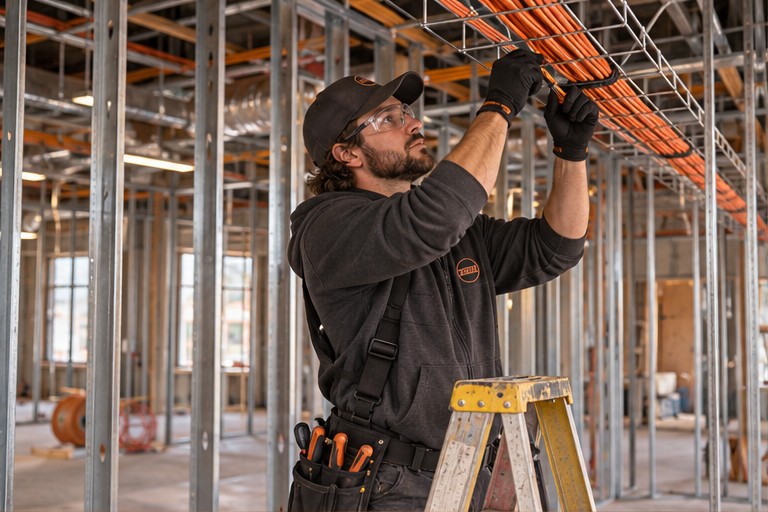

Confirm pathways and device locations while walls and ceilings are open.
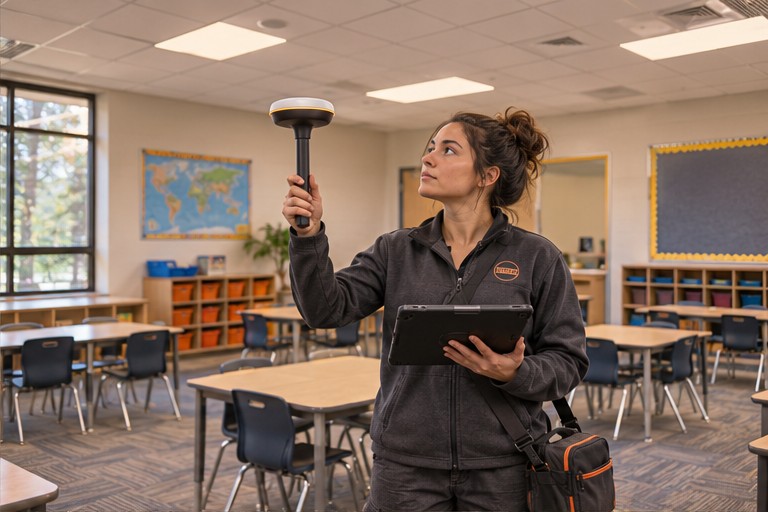

Plan cabling and access point work around classrooms and school schedules.
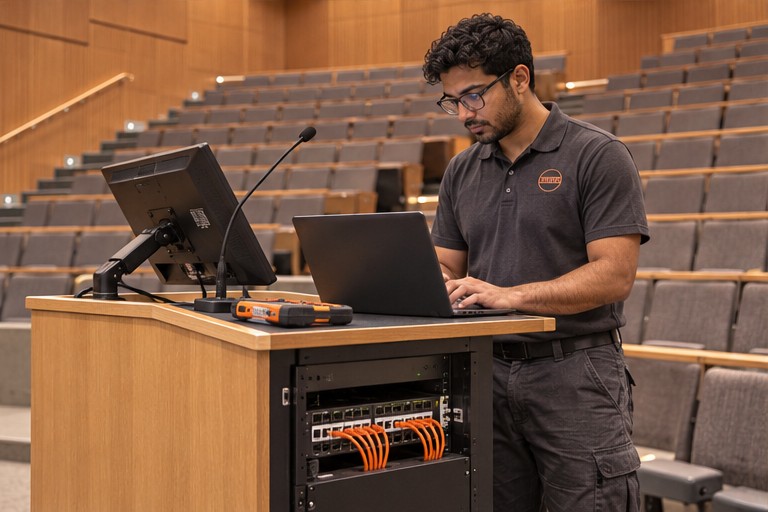

Coordinate network connections for teaching spaces, labs and campus buildings.
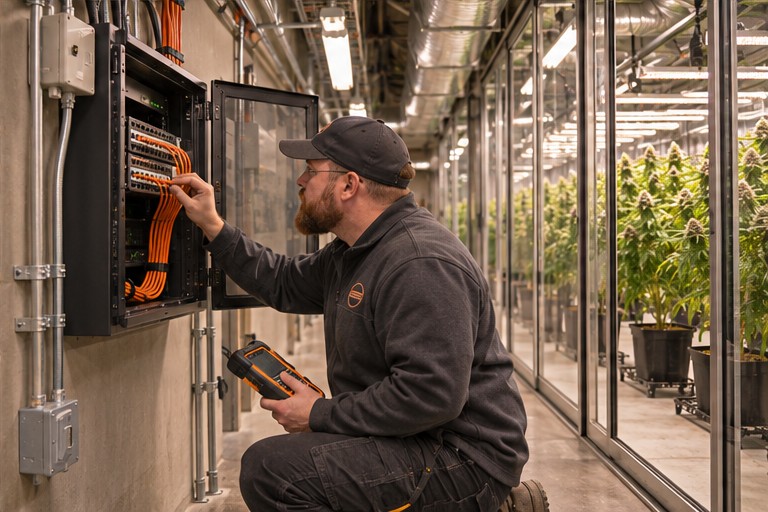

Plan device connectivity and enclosure access around controlled operating areas.
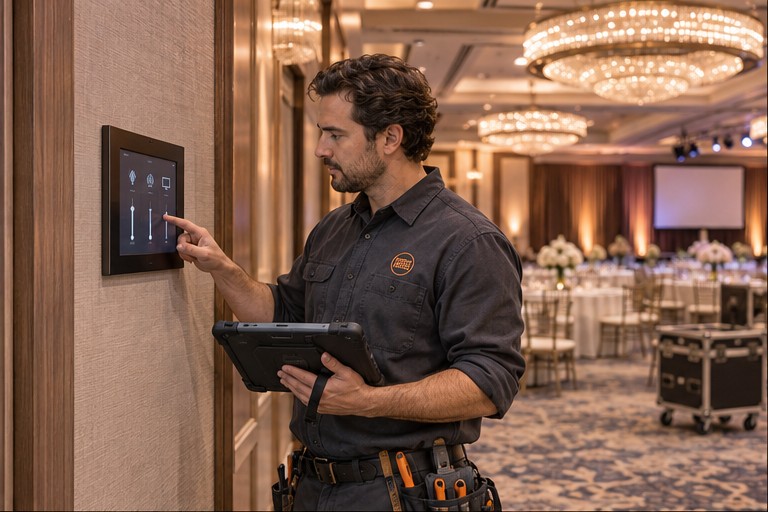

Plan network and AV work around guests, events and room availability.
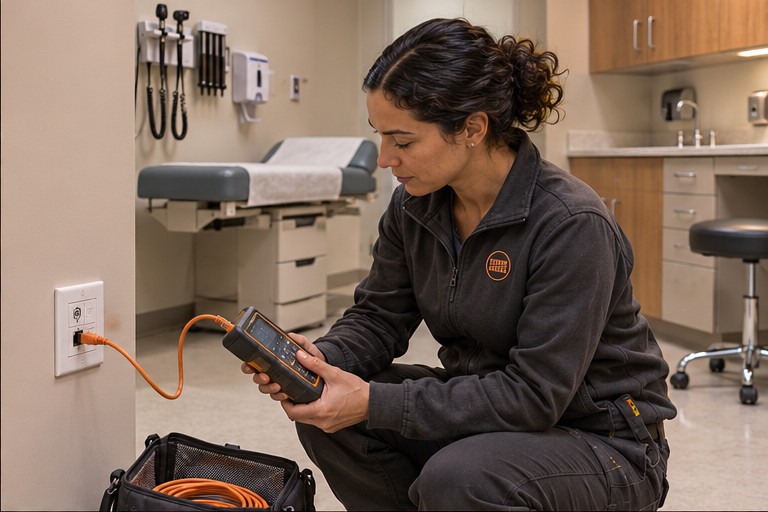

Confirm room access, downtime windows and test documentation before work.


Coordinate site access and network work around public operating hours.


Plan lab and rack connections around equipment changes and maintenance windows.
 Assess
Review access and coverage needs.
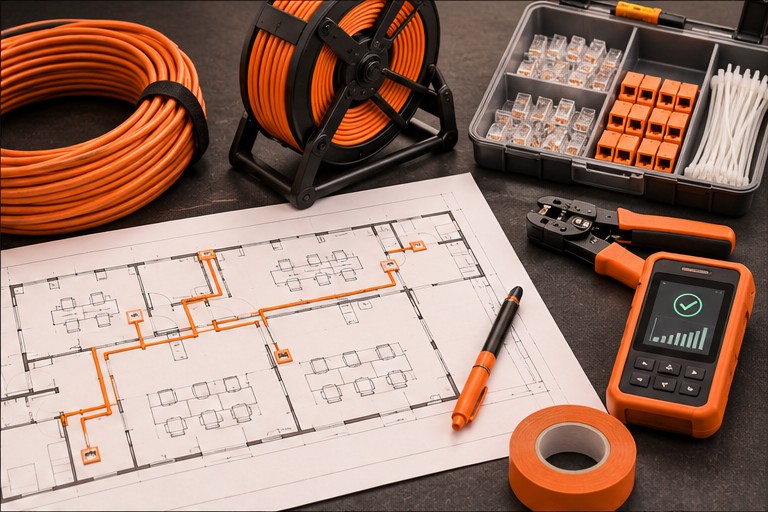 Plan
Agree on routes, equipment and timing.
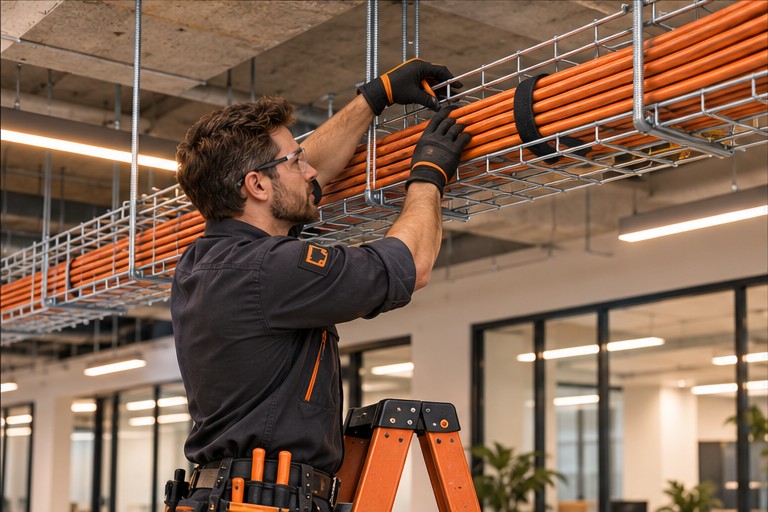 Install
Coordinate and label the work.
 Test and hand off
Review results with your IT team.
Agree on acceptance criteria before installation so your IT team knows what to expect when the work is handed over.
The Network Installer helps businesses coordinate audio-visual, cabling, network, and IT hardware installations across one site or multiple locations. You have one point of contact to help scope the work, schedule site access, and review the handoff.
Explore equipment and brandsShare the site ZIP code, number of sites, target date and a short description of the work.
Include access hours, restricted areas and the systems that need to stay online.
Agree on labels, test records, equipment lists and drawings when you confirm the scope.
Ask about projects with a similar scope, site type, or testing requirements.
Discuss your projectFast estimates and same-day quotes are available when we have enough detail to price the work. Tell us about your site and what you need installed.
Have the project address, property type, target date, and a floor plan or site photo ready. If you have multiple sites, include the site count and any differences in scope.
We use Google Analytics and cookies to count page visits and see how people find this website. You can change your choice in the footer. How Google uses this data